AI Services
You can configure AI services in TRAE SOLO and integrate them into your web applications as needed.
Limitations
AI services are only available to SOLO Builder.
Procedure
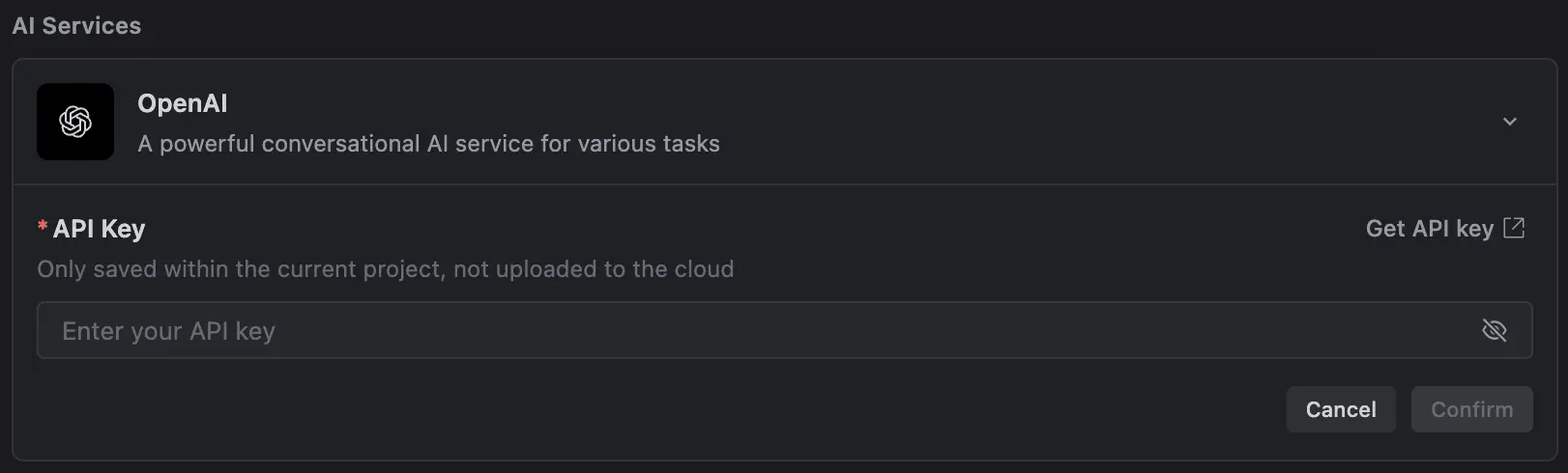
When the AI determines that your project requires integration with the AI LLM API, but the necessary configuration has not yet been completed, a configuration card will appear in the chat panel to guide you through the setup process. Additionally, you can proactively configure AI services using the Integrations tool. The steps are as follows:
1. Obtain the API key from the corresponding AI service provider.
2. In TRAE SOLO, open the Integrations tool.
3. In the AI Service section, find your desired provider and click the Configure button.
4. Enter the API key.
5. Click the Confirm button.