Figma to Code
AI can automatically parse information from Figma design files and convert design elements into executable code. You can generate code for a complete page by selecting the entire frame, or precisely select individual components (such as buttons, forms, or cards). After adding the selected frame or element to the chat and sending it to AI, the AI will begin generating the corresponding code snippet.
With the built-in Figma tool panel, you can view design files, adjust layer order, and modify basic styles directly within TRAE SOLO, without switching browsers or navigating to the Figma platform.
Workflow
1. Open the Figma tool.
2. Log in to Figma.
3. Open the target design draft.
4. Select the frame or element to convert to code, then click the Add to Chat button at the top right.
- The selected frame or element will be added to the AI chat input box.
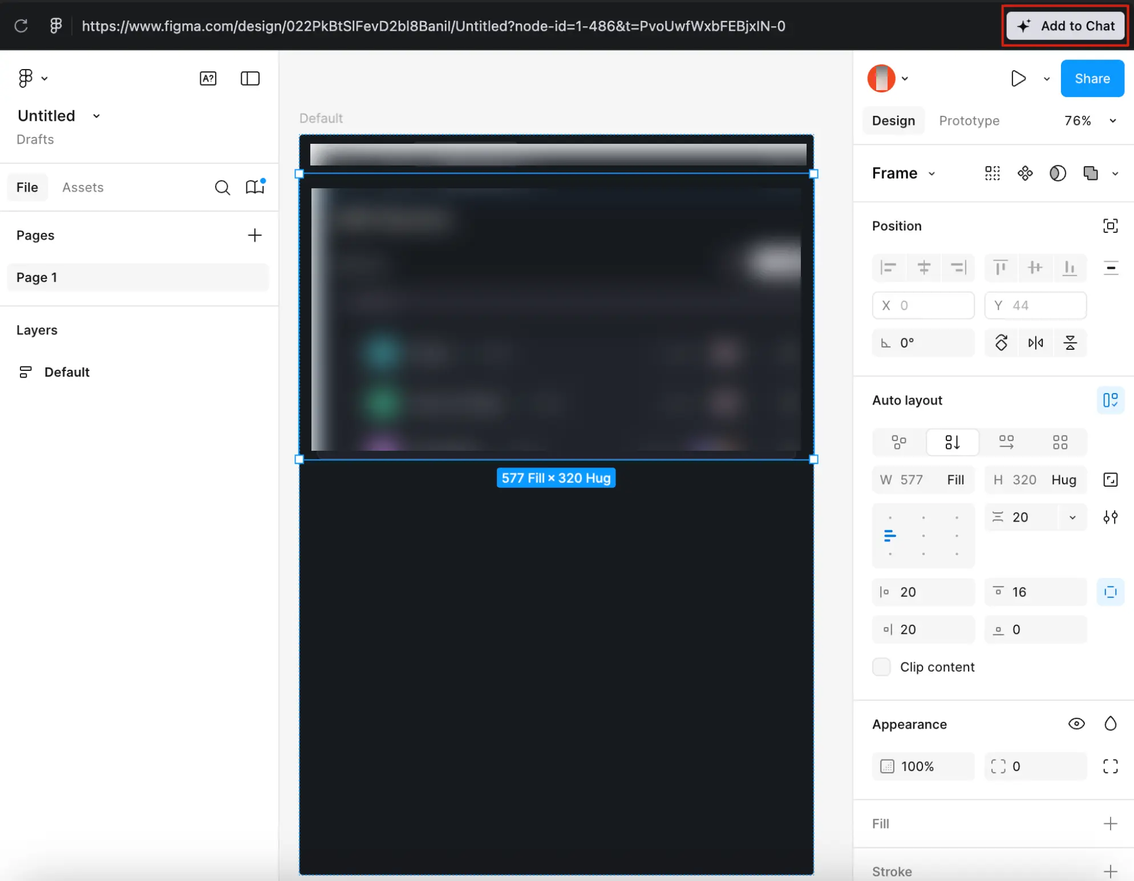
5. In the AI chat input box, enter instructions and send them.
- AI begins coding based on the Figma design draft and your instructions.